FlyBudget
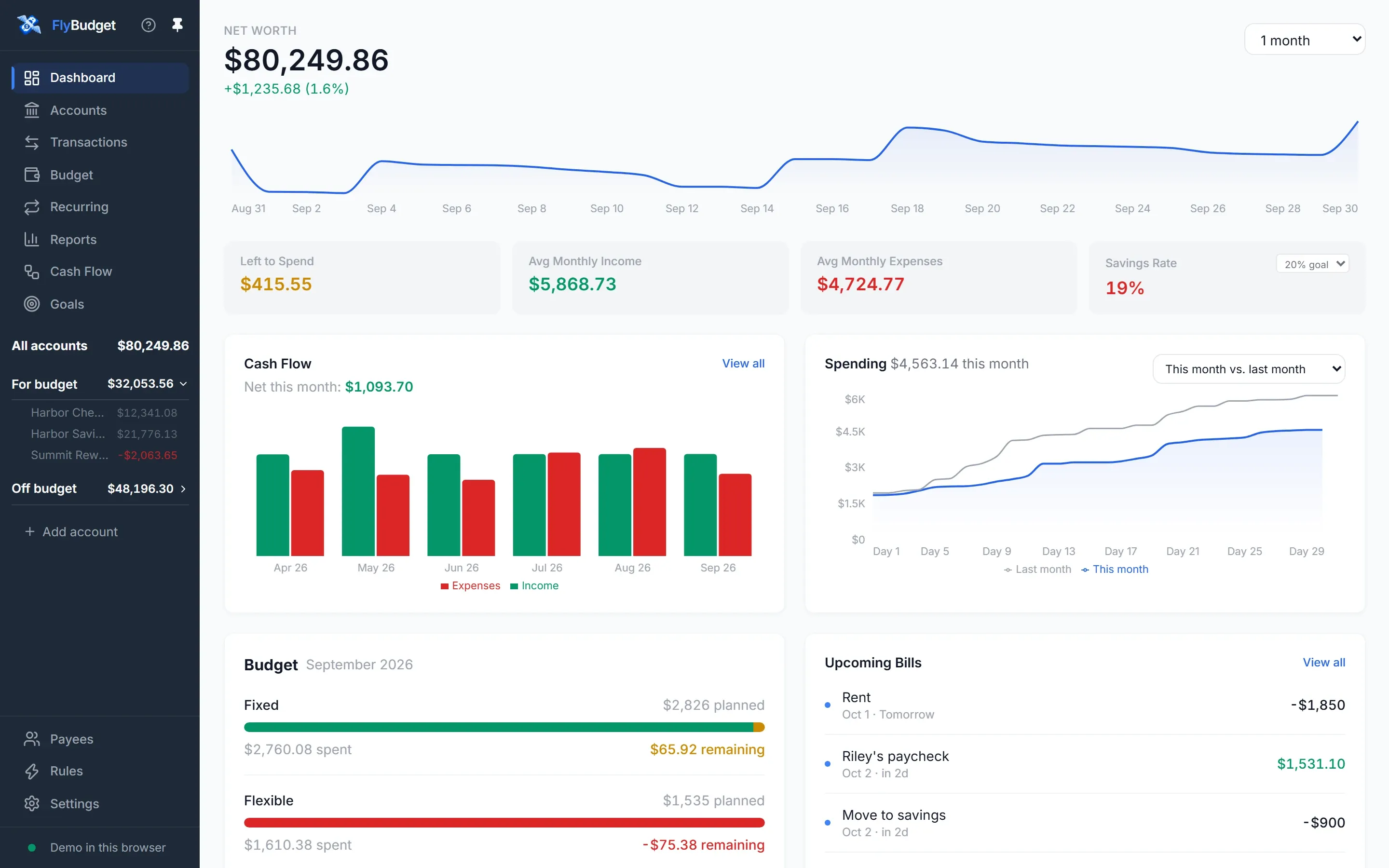
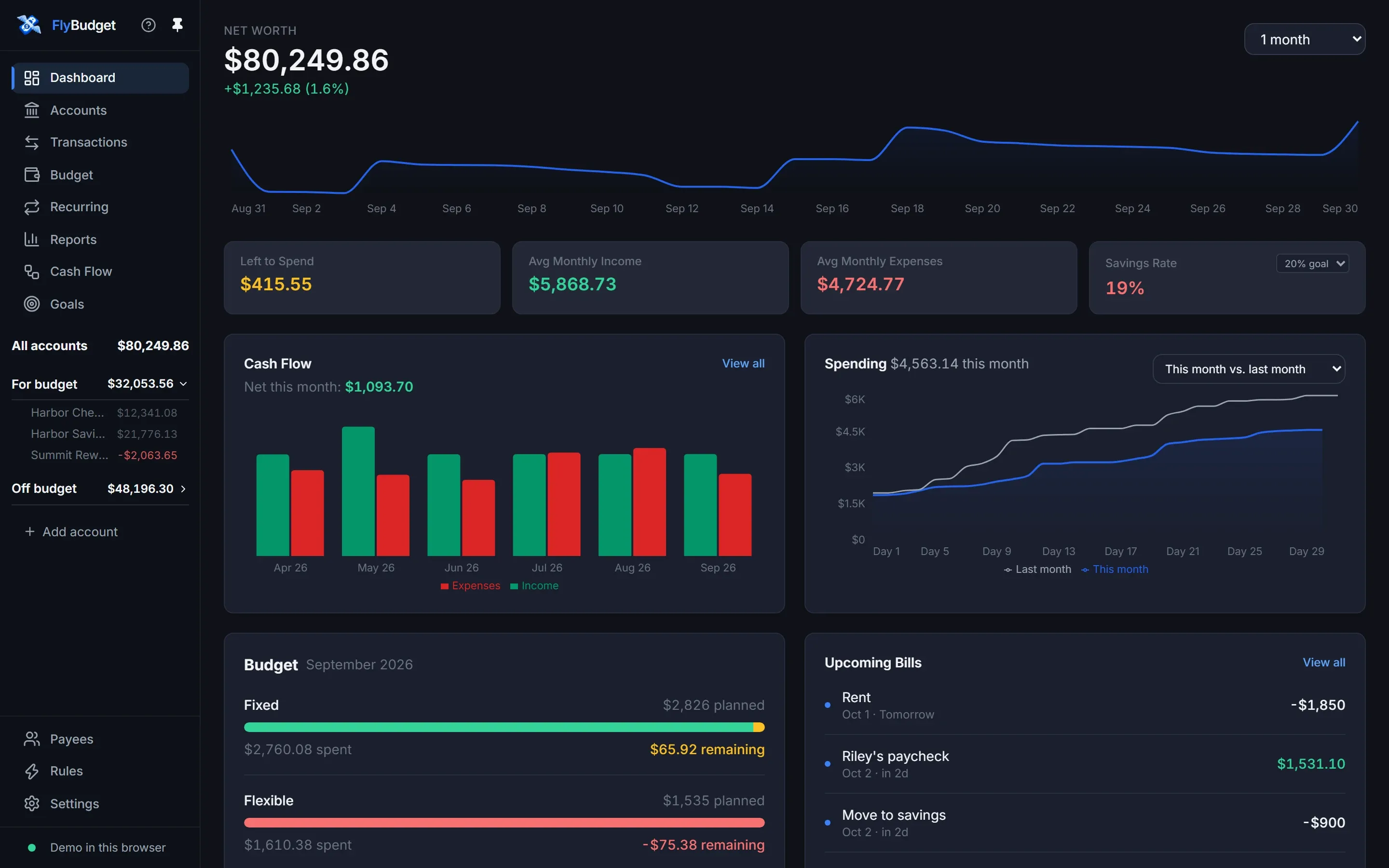
FlyBudget is a budgeting app I built that keeps your financial data on your own computer instead of in the cloud. It is free and open source, and it has over 100 stars on GitHub and over 3,000 downloads.
You can install it as a desktop app on Windows, Mac or Linux. You can also run it on your own server with Docker and open it in a web browser, including on your phone.
Features
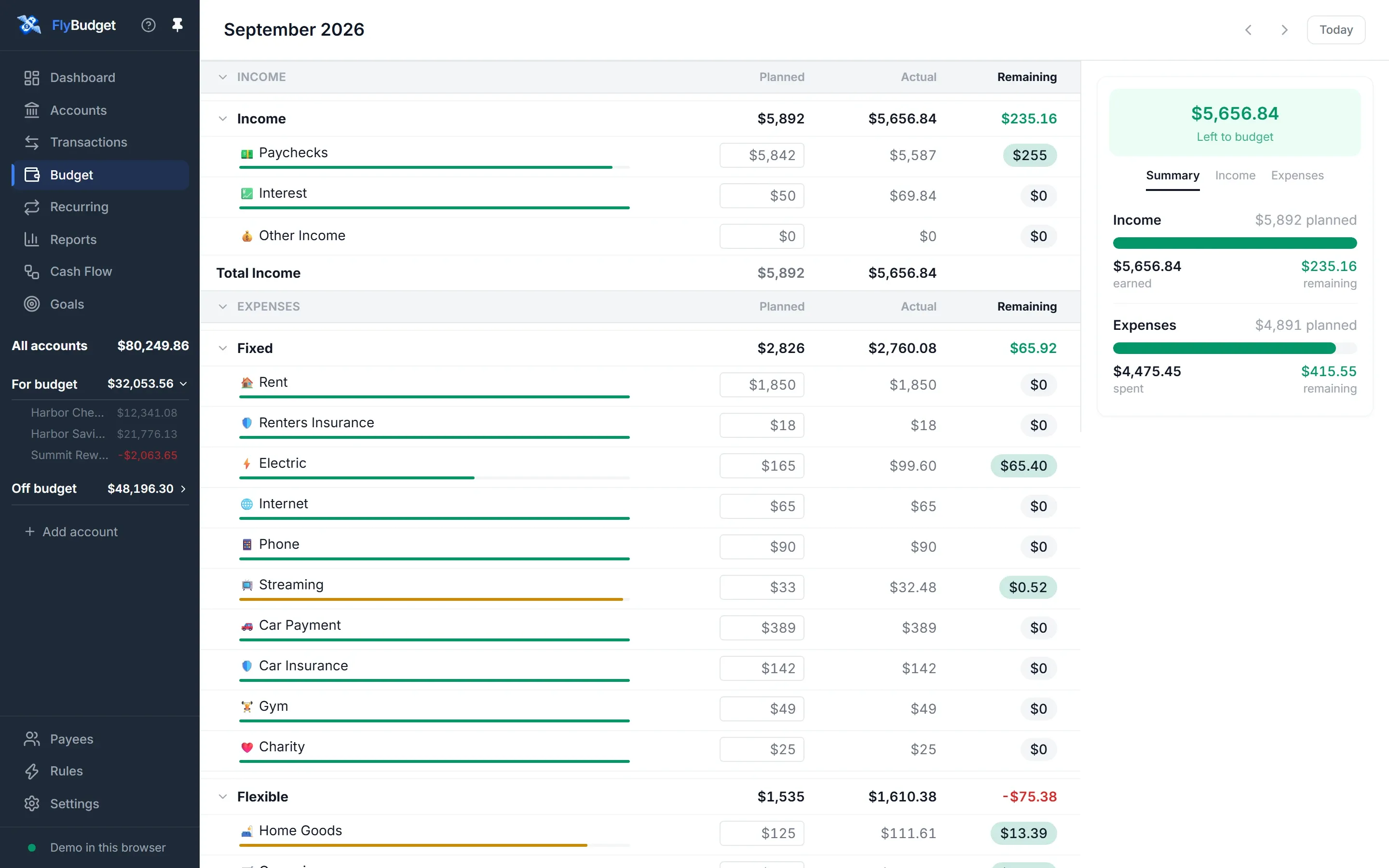
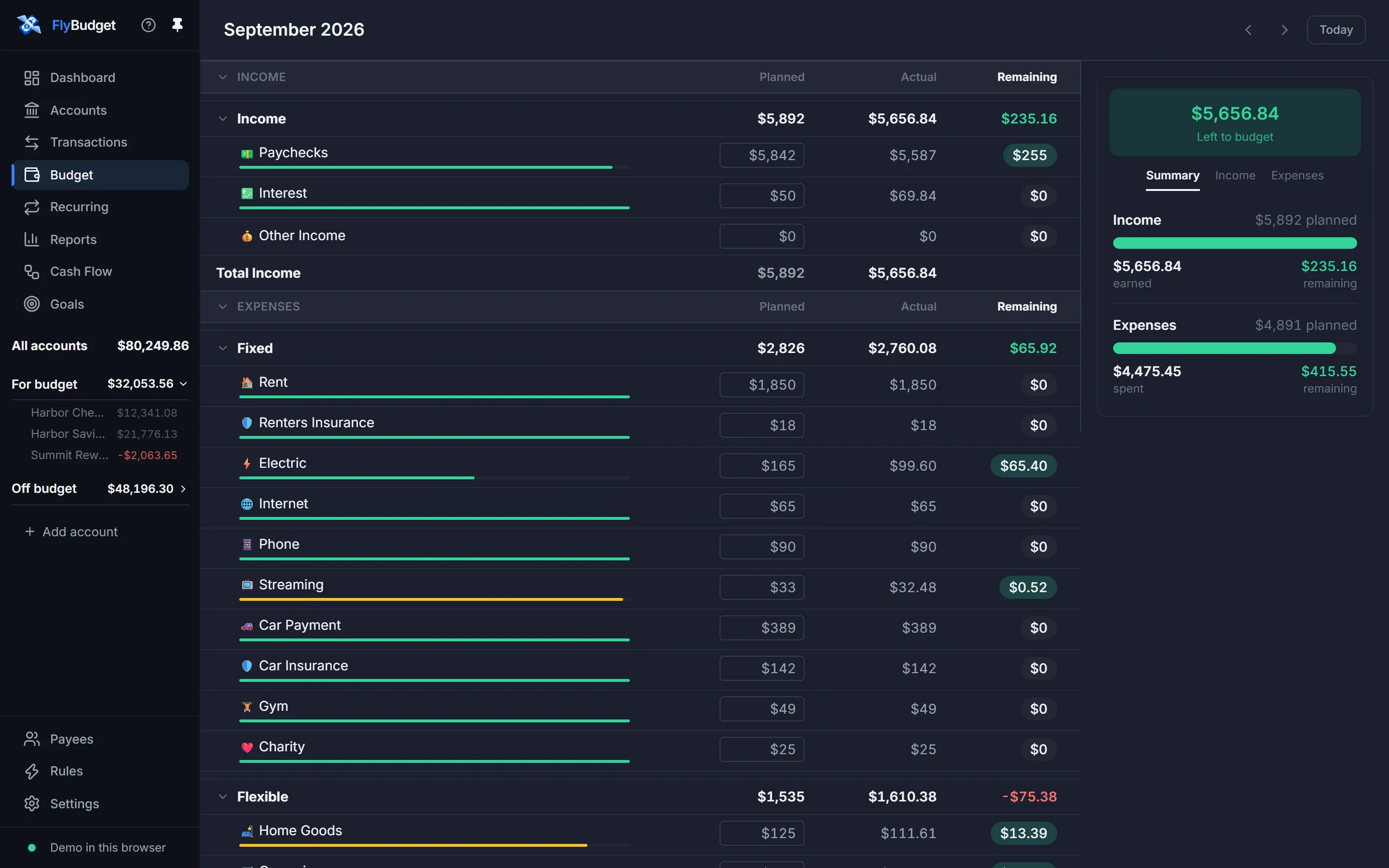
Monthly budget
Each category shows what you planned to spend, what you actually spent and what is left. The bars change color as you get close to or go over your plan.
Rules
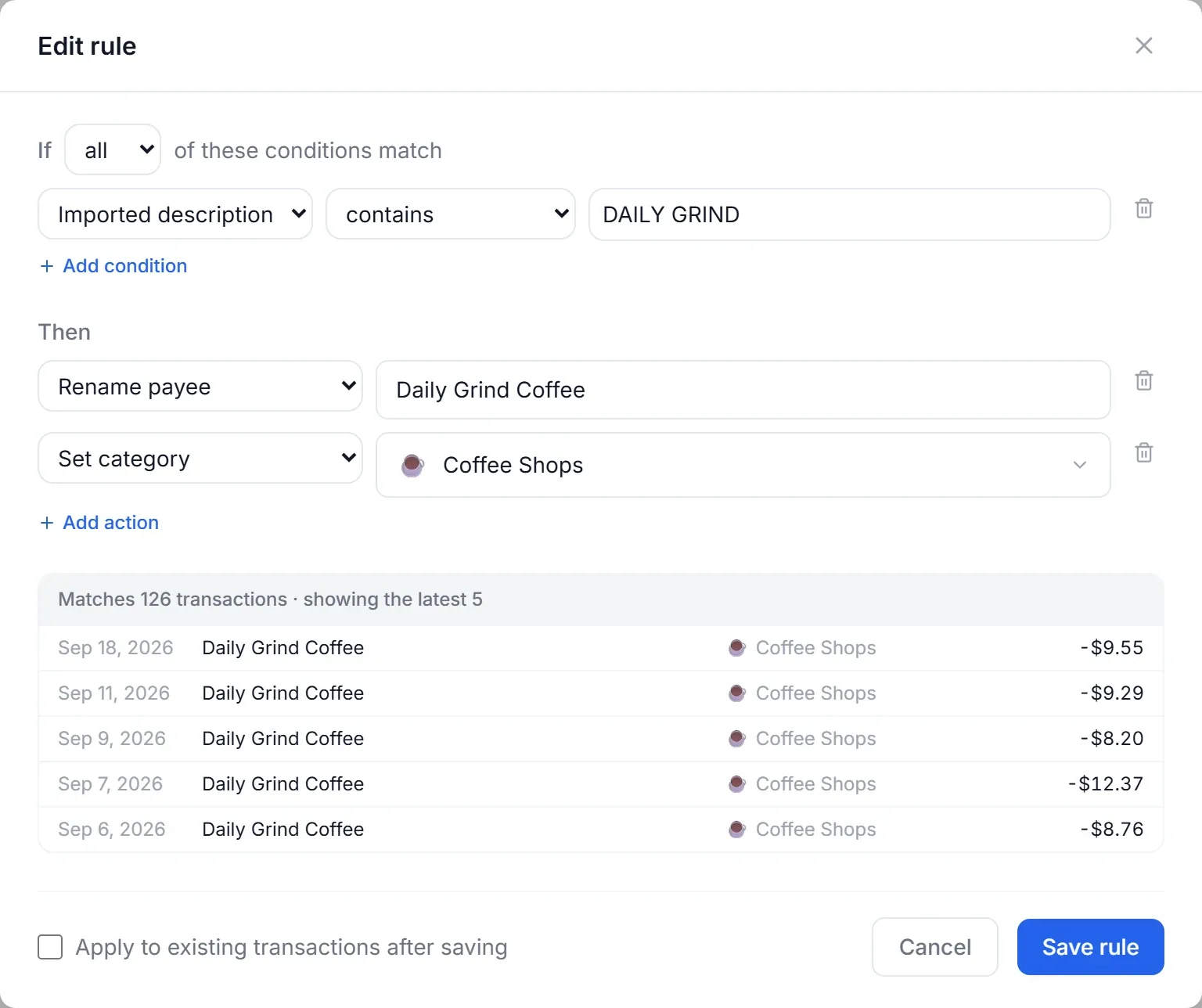
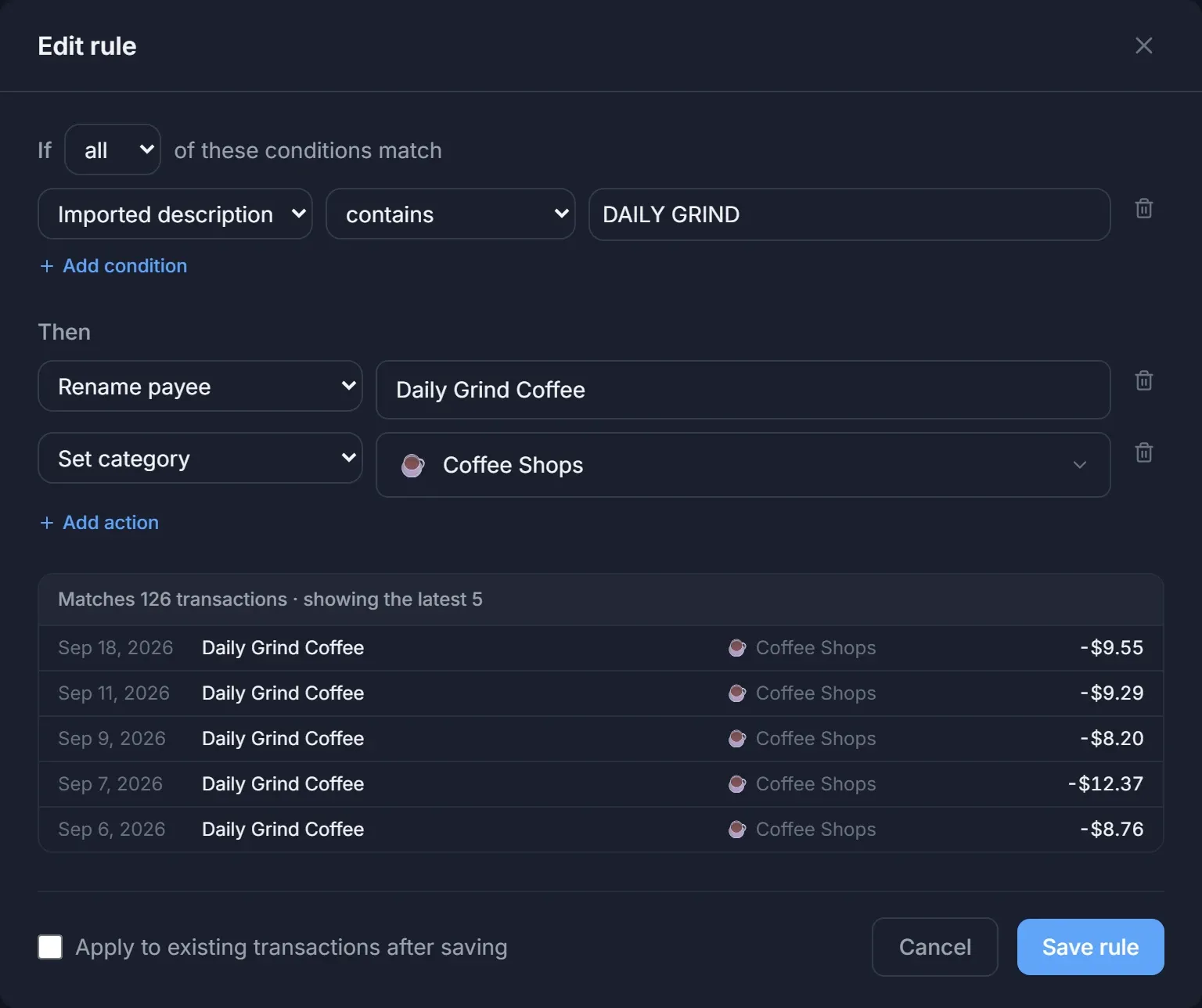
Rules sort transactions automatically, for example putting every purchase from a coffee shop called Daily Grind under Coffee Shops. While you write a rule, the app shows which past transactions it would match.
Reports
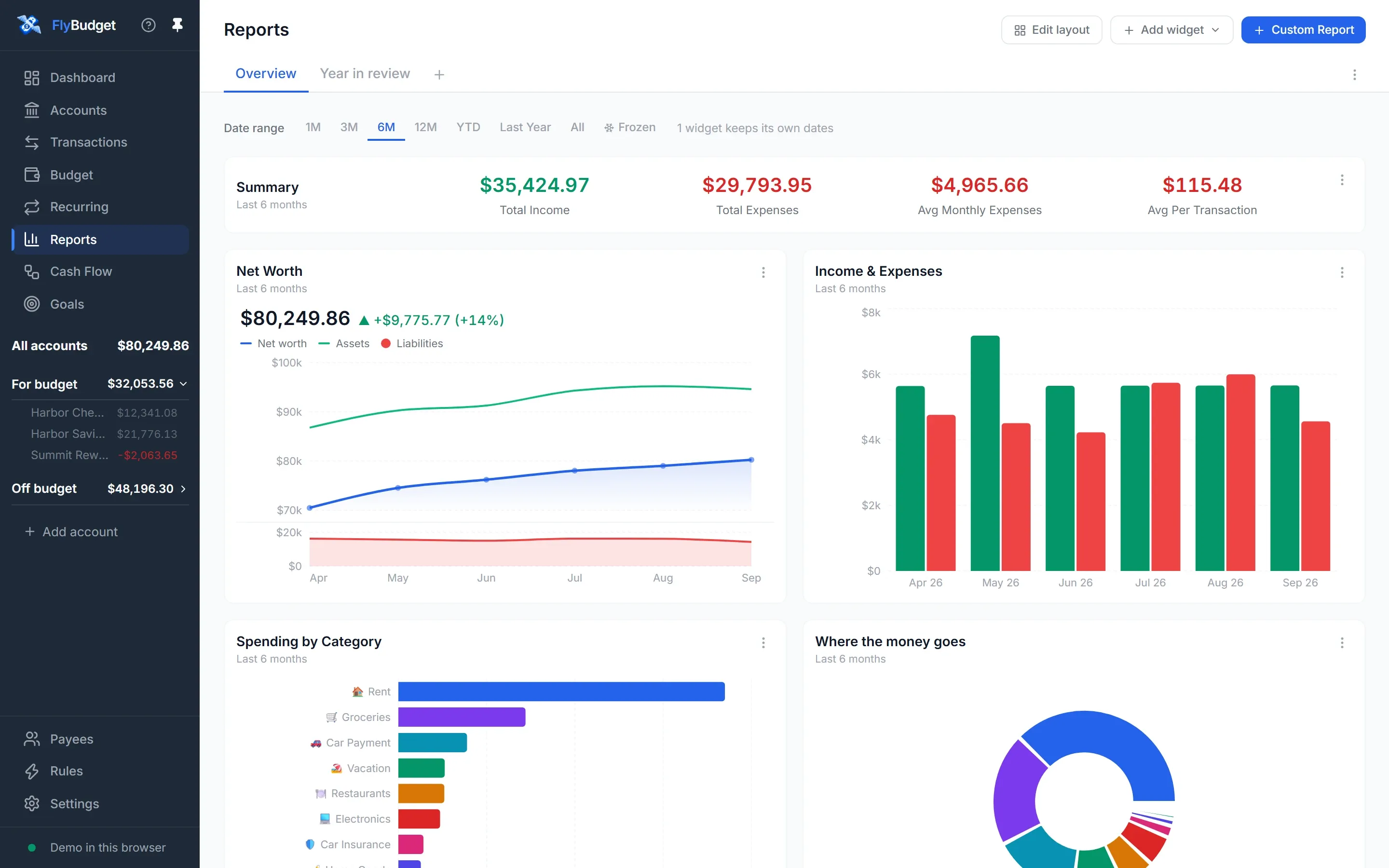
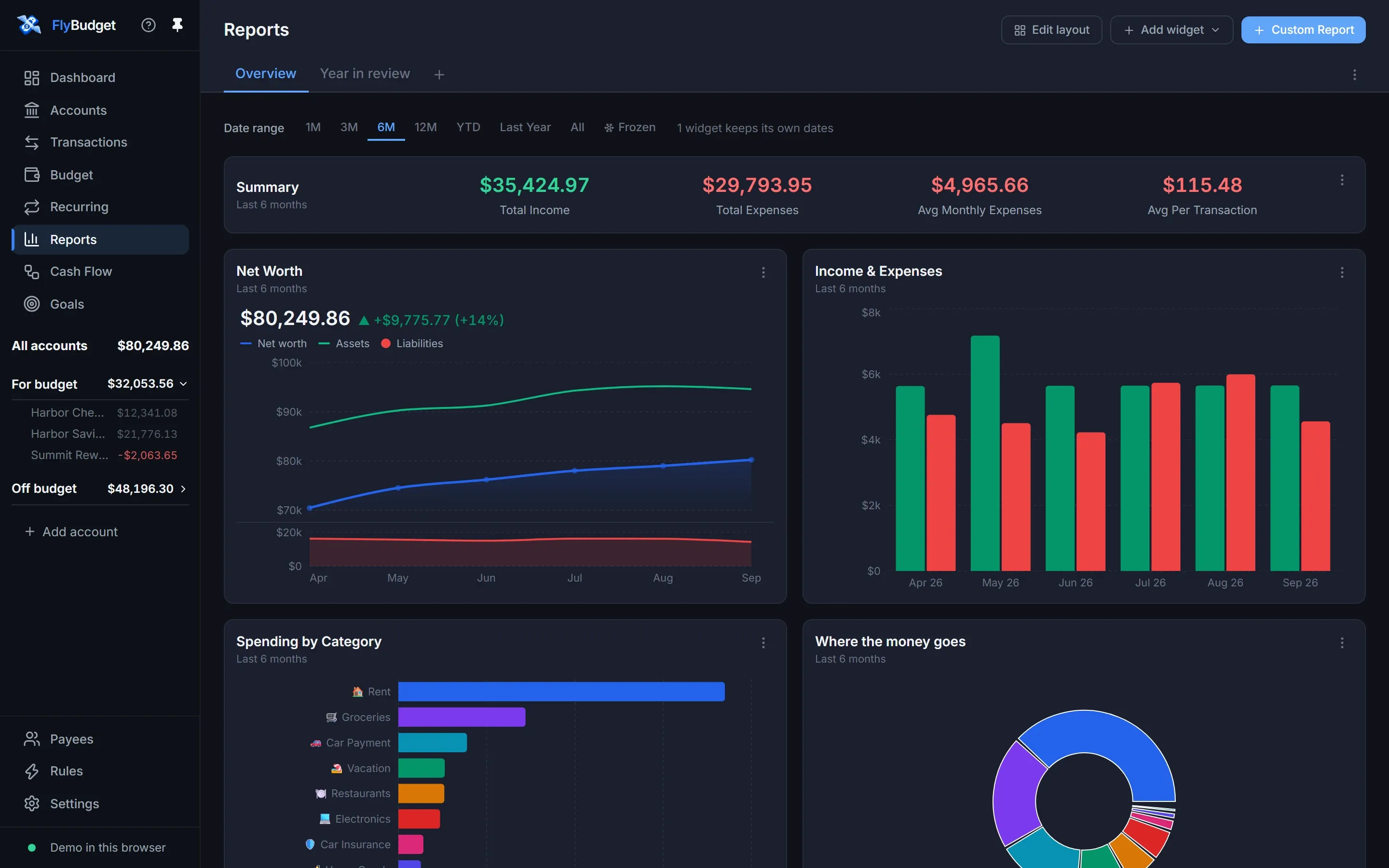
Charts for net worth, spending over time and a calendar of transactions. You can move the charts around and build your own reports.
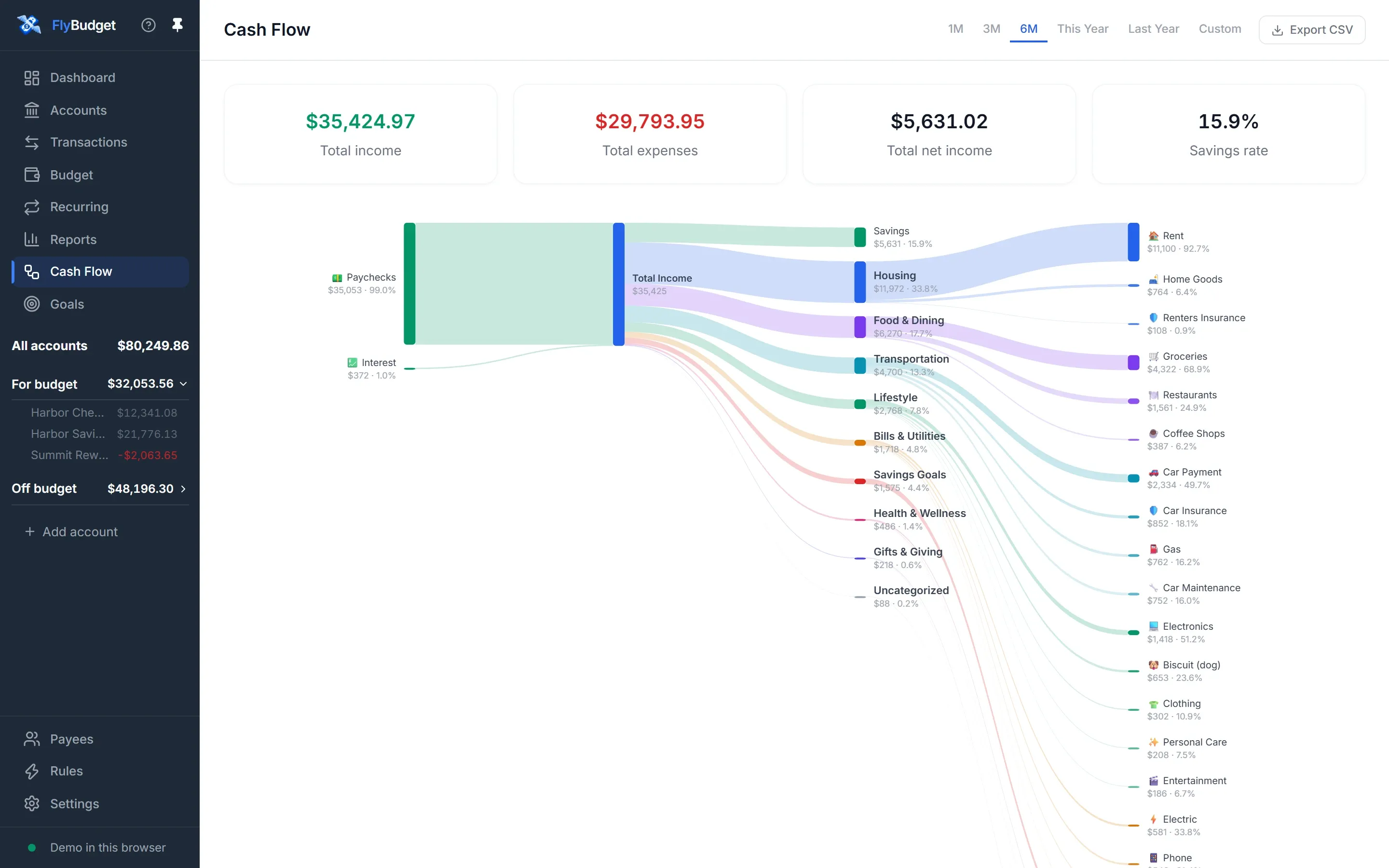
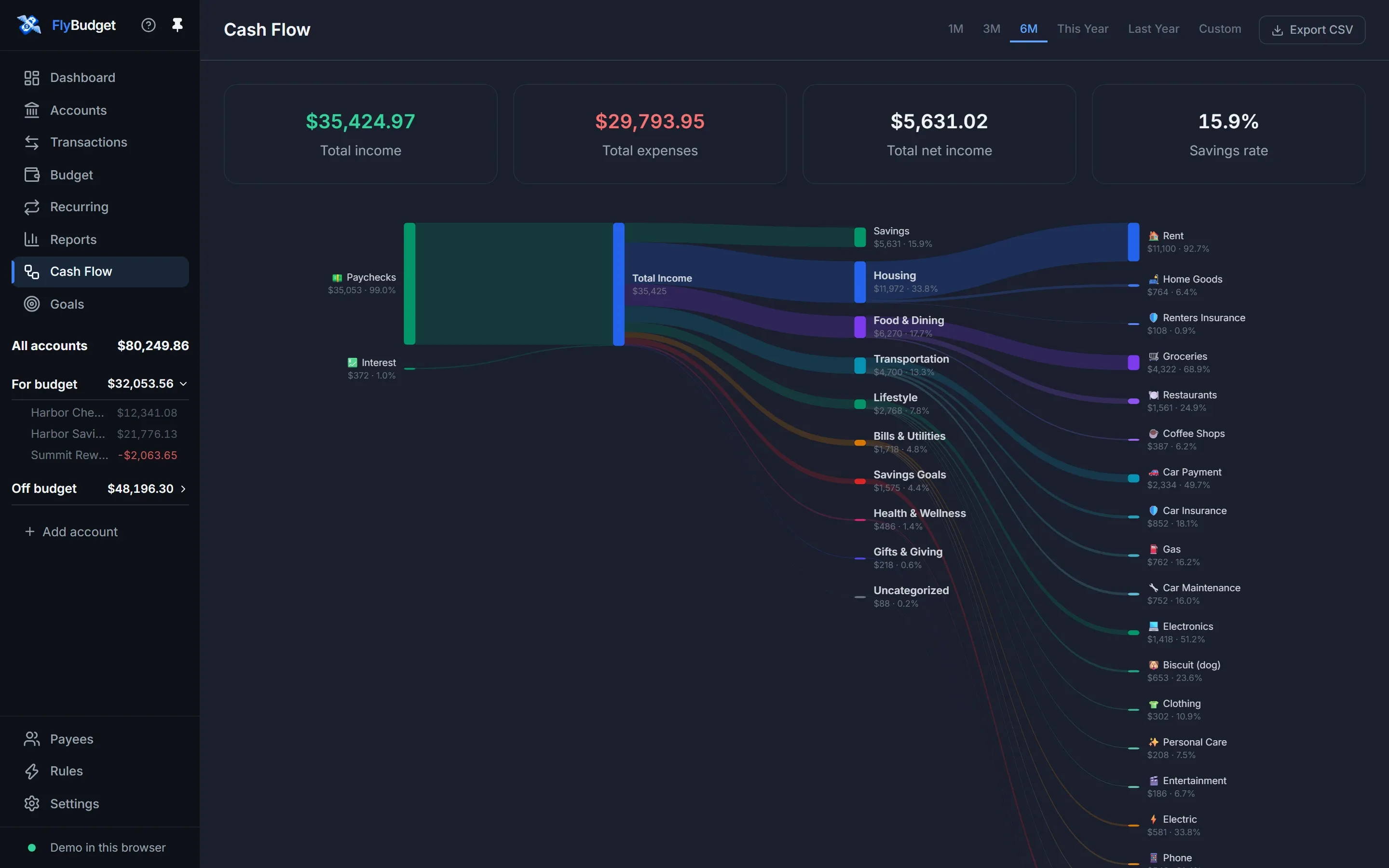
Cash flow
A diagram showing where your income comes from, where it goes and how much you saved.
How I built it
The front end is written in TypeScript with React. The back end is an Express server that stores everything in a SQLite database. The desktop version packages both together with Electron.
Since the app can connect to bank accounts, I spent a lot of time on security. The details the app uses to sync with banks are encrypted. In the desktop app, the encryption key is kept by the operating system instead of in the database, so a copied database file does not give anyone access to your bank. Releases are built by GitHub Actions, so anyone can check that a download came from the public code.
To catch bugs in the budget math and the rules, I test them against hundreds of randomly generated examples. I also use Playwright to click through the app automatically in a browser, on both desktop and phone screen sizes. Pull requests are reviewed by CodeRabbit, an AI code review tool.
- Website: flybudget.org
- Demo: flybudget.org/demo
- Source code: github.com/dtymoszenko/FlyBudget